Introduction
Digital marketing in 2025 isn’t just about content, keywords, and backlinks anymore.
Today, your website’s site navigation and breadcrumb structure play a massive role in improving UX, boosting engagement, and amplifying your on-page SEO results.
If people can’t easily find what they’re looking for, they won’t convert.
If search engines can’t crawl your pages properly, you won’t rank.
Simple.
This guide breaks down everything—from types of navigation designs, breadcrumb placement, UX rules, and how this all strengthens your digital marketing strategy.
Let’s dive in.
What Is Site Navigation & Breadcrumb?
Strong digital marketing starts with a website that’s easy to explore.
Site Navigation
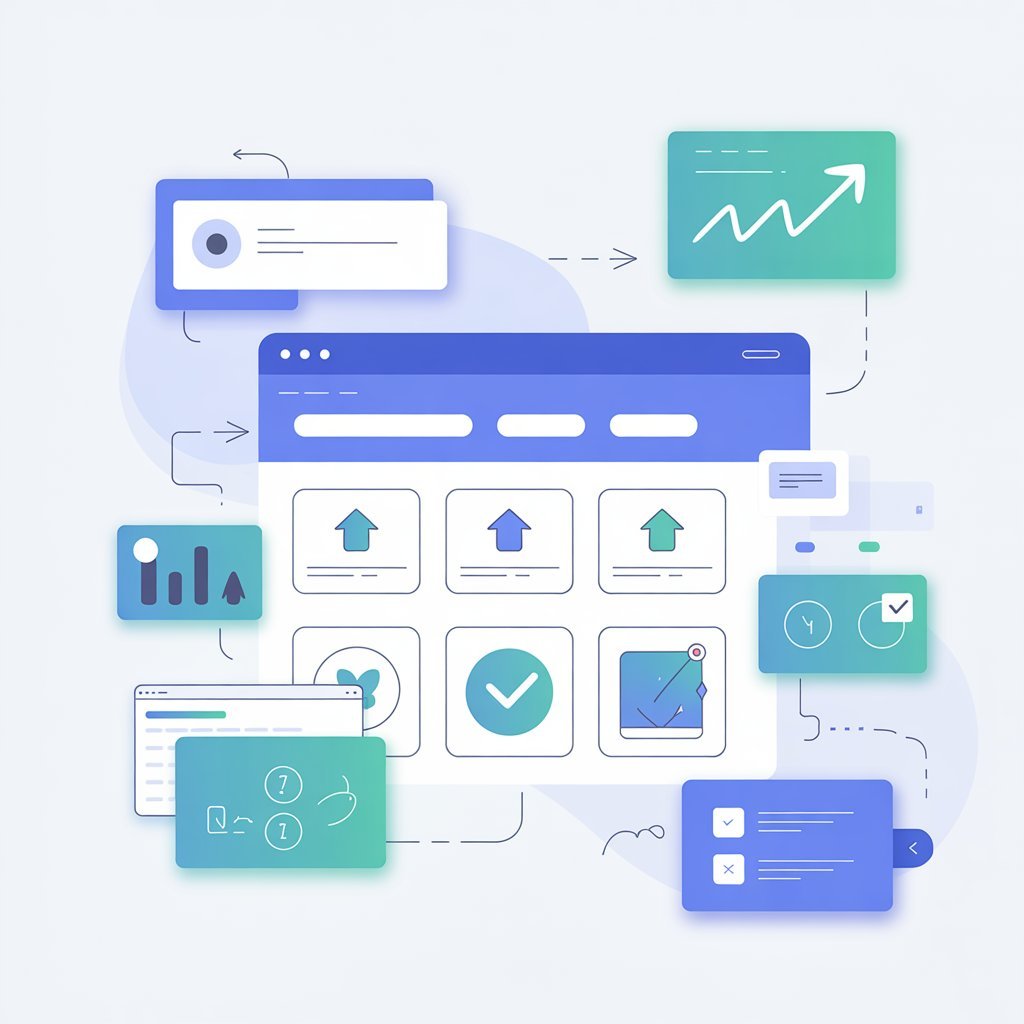
Site navigation is the structure of menus, links, and pathways that help users browse your website effortlessly.
Good navigation = lower bounce rate + higher conversions + improved on-page SEO.
Breadcrumbs
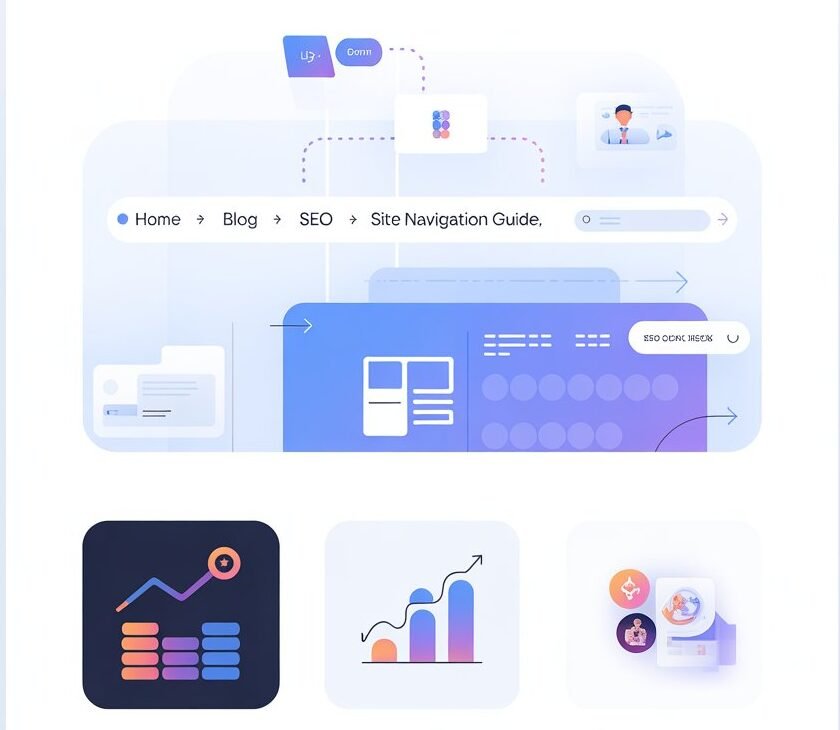
Breadcrumbs are small, clickable trails at the top of a webpage showing a user’s location within your website hierarchy.
Example: Home > Blog > SEO > Site Navigation Guide
Breadcrumbs help users retrace their steps and help Google understand your page structure.
In digital marketing, these small UX elements become powerful ranking and conversion assets.
Types of Navigation Structures (And Which One You Should Use)
Your site navigation should match your website goals, content depth, and user behaviour. Here are the most effective types:
1. Horizontal Navigation (Top Bar Menu)
The classic top-of-the-page menu used by most websites.
Best for:
- Service sites
- Business websites
- Digital marketing blogs
- Agency websites
Why it works:
Simple, universal, minimal confusion.
2. Vertical Sidebar Navigation
A column on the left side of the page.
Best for:
- E-commerce product categories
- Online courses
- SaaS dashboards
Why it helps digital marketing:
Perfect for deep content structures where users need quick filtering.
- Mega Menu Navigation
Large dropdown menus showing categories, subcategories, and links.
Best for:
- E-commerce stores
- News websites
- Universities
- Brands with 50+ pages
Why it helps on-page SEO:
More internal links = stronger site structure + more crawl paths.
4. Hamburger Menu (Mobile-Friendly)
Three lines that expand into a hidden menu.
Best for:
- Mobile websites
- Minimalist designs
- Digital marketing landing pages
Reason to use: Keeps the design clean, improves mobile UX, and impacts user engagement metrics.
5. Footer Navigation
Links placed at the bottom of your site.
Best for:
- Secondary information
- Legal links
- Sitemaps
- Support pages
Why it matters:
Google uses footer navigation to understand page hierarchy.
Types of Breadcrumb Designs (With UX Benefits)
Breadcrumbs are more than design—they are powerful digital marketing and on-page SEO boosters.
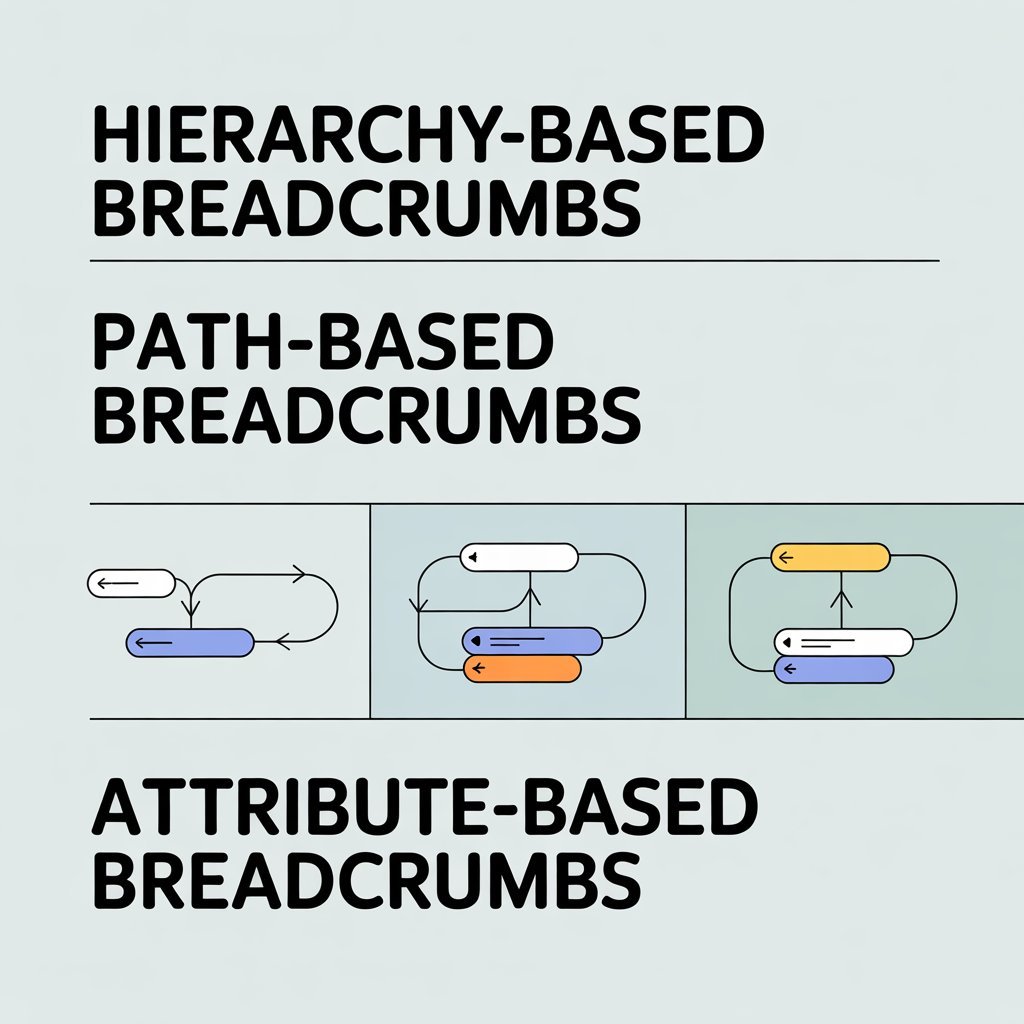
Here are the most effective breadcrumb formats:
1. Hierarchy-Based Breadcrumbs (Most Common)
Shows the structure of the website.
Example:
Home > Blog > SEO > Site Navigation
Best for: Almost all websites.
Benefits:
- Helps Google understand hierarchy
- Reduces pogo-sticking
2. Path-Based Breadcrumbs
Shows the user’s journey
Example: Home > Deals > Today’s Deals > SEO Tools > Price Filters
Not used as often, but excellent for:
- E-commerce
- Comparison websites
3. Attribute-Based Breadcrumbs
Used for filtering.
Example:
Home > Shoes > Women > Sports > Size 7
Best for:
- E-commerce digital marketing
- Product-heavy websites
How to Design Intuitive Site Navigation (Battle-Tested Principles)
To rank higher in digital marketing, your site navigation must be intuitive.
Here are the golden rules:
Rule 1: Keep Your Navigation Simple
Users should understand your website structure in 3 seconds or less.
Avoid complicated menus, long labels, and unnecessary submenus.
Rule 2: Use Clear, Actionable Labels
Good labels help UX and improve on-page SEO.
Examples of weak labels:
- Stuff
- Learn
- Things
Replace with:
- SEO Tools
- Digital Marketing Courses
- Blog Articles
Rule 3: Stay Consistent Across All Pages
Your navigation should remain unchanged across pages.
Consistency = trust.
Trust = conversions.
Rule 4: Limit Your Main Menu to 5–7 Items
Too many options = confusion.
Too few = incomplete.
Keep it tight.
Rule 5: Use Internal Linking Smartly
Smart internal links improve:
- Crawling
- Indexing
- On-page SEO
- User experience
Internal links also strengthen your overall digital marketing structure.
Rule 6: Prioritize Mobile Navigation
More than 70% digital marketing traffic comes from mobile.
Make sure your navigation is:
- Tappable
- Scrollable
- Fast
- Clear
Where to Implement Breadcrumbs for Maximum SEO Impact
Breadcrumbs shouldn’t be everywhere.
Here’s where they matter most:
1. Blog Posts
Perfect for long-form content to show hierarchy.
Example:
Home > Blog > On-Page SEO > Site Navigation
2. Service Pages
Boosts conversions by helping users jump between services.
3. E-Commerce Categories & Products
Breadcrumbs here dramatically reduce bounce rates.
4. Online Courses or Learning Platforms
Breadcrumbs show progress and improve retention.
5. Knowledge Base / FAQ Sections
Since these pages can get deep, breadcrumbs prevent confusion.
Mastering User-Friendly Site Navigation (Complete Framework)
Below is a digital marketing–friendly framework to make your navigation world-class:
Step 1: Map Your Website Hierarchy
Create 3 levels:
- Tier 1: Main pages
- Tier 2: Category pages
- Tier 3: Subsections
This structure improves on-page SEO and builds clarity.
Step 2: Add Search Functionality
Site search boosts engagement and user satisfaction.
Step 3: Add Sticky Navigation (Optional but Powerful)
Sticky menus follow the user while scrolling.
Great for:
- Long blogs
- Educational websites
- Digital marketing agencies
Step 4: Link the Most Important Pages First
Examples:
- Homepage
- Services
- About
- Blog
- Contact
This helps SEO crawlers prioritize.
Step 5: Use Breadcrumbs Consistently
Consistency = stronger search signals.
Step 6: Add Schema Markup
Breadcrumb schema helps Google display neat breadcrumb paths in search results.
Adds:
- Higher CTR
- Stronger on-page SEO signals
The Importance of Breadcrumb Trails (Why They Matter for SEO)
Breadcrumbs are tiny but powerful digital marketing tools.
Here’s why:
1. They Improve User Experience
People instantly understand where they are and how to move around.
2. They Reduce Bounce Rates
Breadcrumbs guide users to explore more pages.
3. They Strengthen Site Structure
More clarity = better crawling = higher rankings.
4. They Improve On-Page SEO
Breadcrumbs create a flow of internal links that Google loves.
5. They Boost Mobile UX
Quick navigation > frustrated users.
6. They Help in Google SERP Enhancements
Breadcrumbs appear in search results, replacing messy URLs.
This boosts CTR—a key digital marketing metric.
Final Thoughts
Strong site navigation and breadcrumb trails are not just design elements—they’re core components of digital marketing success and high-performing on-page SEO.
If you want:
-
Lower bounce rates
-
Higher rankings
-
Better user experience
-
More conversions
…then optimizing your navigation structure and breadcrumbs is the easiest win.
Clean, simple, intuitive navigation = better SEO + stronger user trust.
And if you want to master these skills with real industry training, DSOM (Dehradun School of Online Marketing) provides expert-led digital marketing courses that teach you how to build SEO-friendly websites, structure navigation for maximum impact, and boost your overall online performance.
DSOM helps you turn strategy into real results—faster.