
Introduction to robots.txt
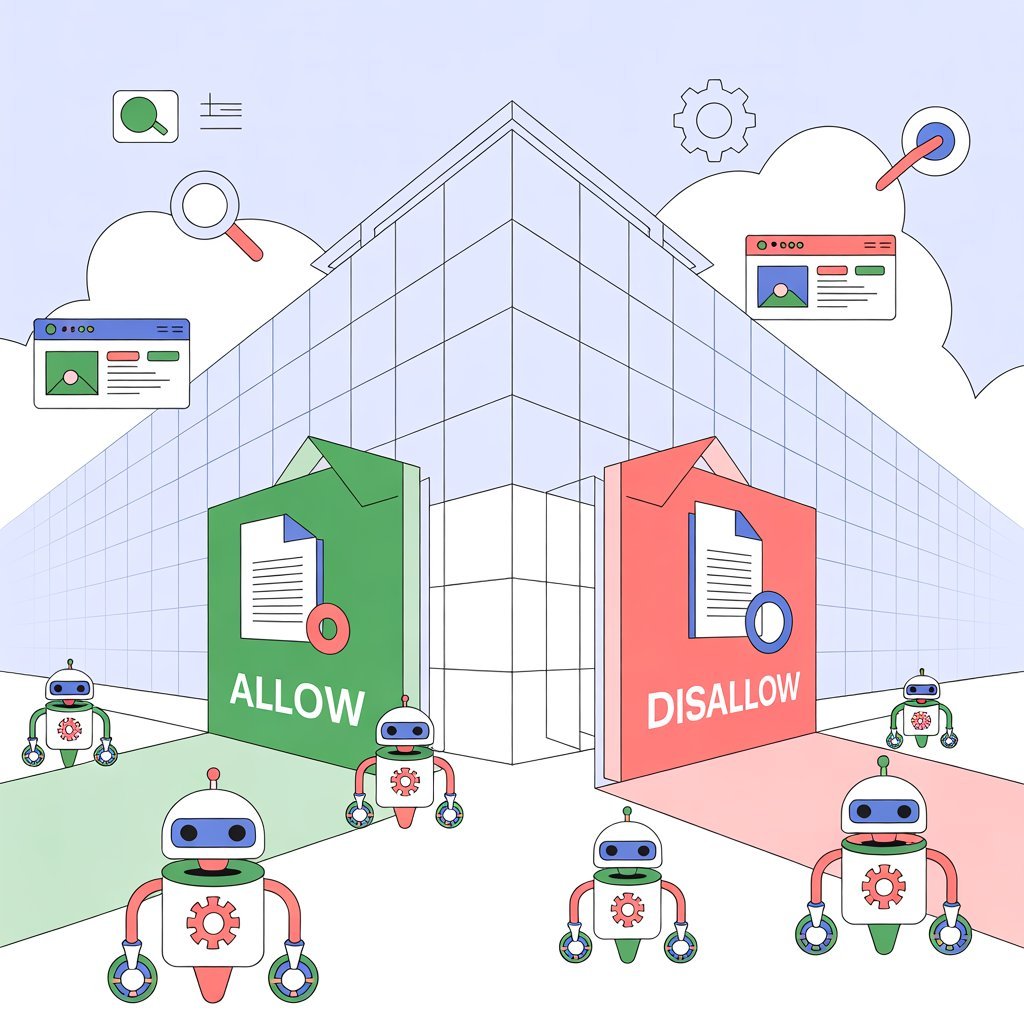
What is robots.txt? This was a question I didn’t even know to ask when I built my first website.
Like most beginners stepping into digital marketing, I thought SEO was only about keywords, backlinks, speed, and content.
But then something happened.
Google refused to index one of my most important pages.
I panicked.
After hours of searching, I discovered the real culprit: a tiny file I had completely ignored — robots.txt.
If you’re here trying to understand what is robots.txt, why it matters for SEO and digital marketing, and how it silently influences your rankings, you’re about to learn everything you need in the simplest way possible.
What Is robots.txt and Why Does It Matter for SEO?
To understand What is robots.txt, imagine it as the rulebook of your website.
It tells search engines what they can crawl and what they should stay away from.
Think of robots.txt like a security guard.
- Some doors are open to everyone
- Some doors are “staff only”
Robots.txt makes sure search engine crawlers know which is which.
This tiny file can boost your technical SEO, which is a major pillar of digital marketing or completely destroy your rankings if misconfigured.
In digital marketing, that means the difference between a site that ranks — and a site that never shows up.
Robots.txt: The Gatekeeper of Your Website

Every website needs boundaries.
Every crawler needs instructions.
Robots.txt acts as the gatekeeper, deciding:
- Which pages can be crawled
- Which pages should stay private
- How search engines spend their crawl budget
- How fast your content gets indexed
Once you understand what is robots.txt, you realize it’s one of the most essential tools in technical digital marketing — especially when optimizing large websites, blogs, or e-commerce stores.
Types of Directives in Robots.txt
Robots.txt uses simple commands called directives.
If you understand what is robots.txt, these will feel easy even if you’re new to digital marketing:
1. User-agent
Defines which crawler the rule applies to.
User-agent: Googlebot
2. Disallow
Blocks specific URLs or folders.
Disallow: /admin/
3. Allow
Lets crawlers access certain pages even inside blocked folders.
Allow: /images/
4. Sitemap
Points crawlers to your sitemap — a crucial part of SEO and digital marketing.
Sitemap: https://yourwebsite.com/sitemap.xml
5. Crawl-delay
Slows crawlers down (mainly for Bing/Yandex).
Crawl-delay: 10
Understanding these directives is part of becoming skilled in digital marketing and SEO strategy.
Where Is Robots.txt Located in the Website Structure?
A common question after learning what is robots.txt is:
“Where do I find it?”
The answer: In the root directory of your website.
Example:
https://example.com/robots.txt
Every digital marketing student must know this — because if robots.txt isn’t in the right place, search engines ignore it.
Controlling Web Crawlers with Robots.txt
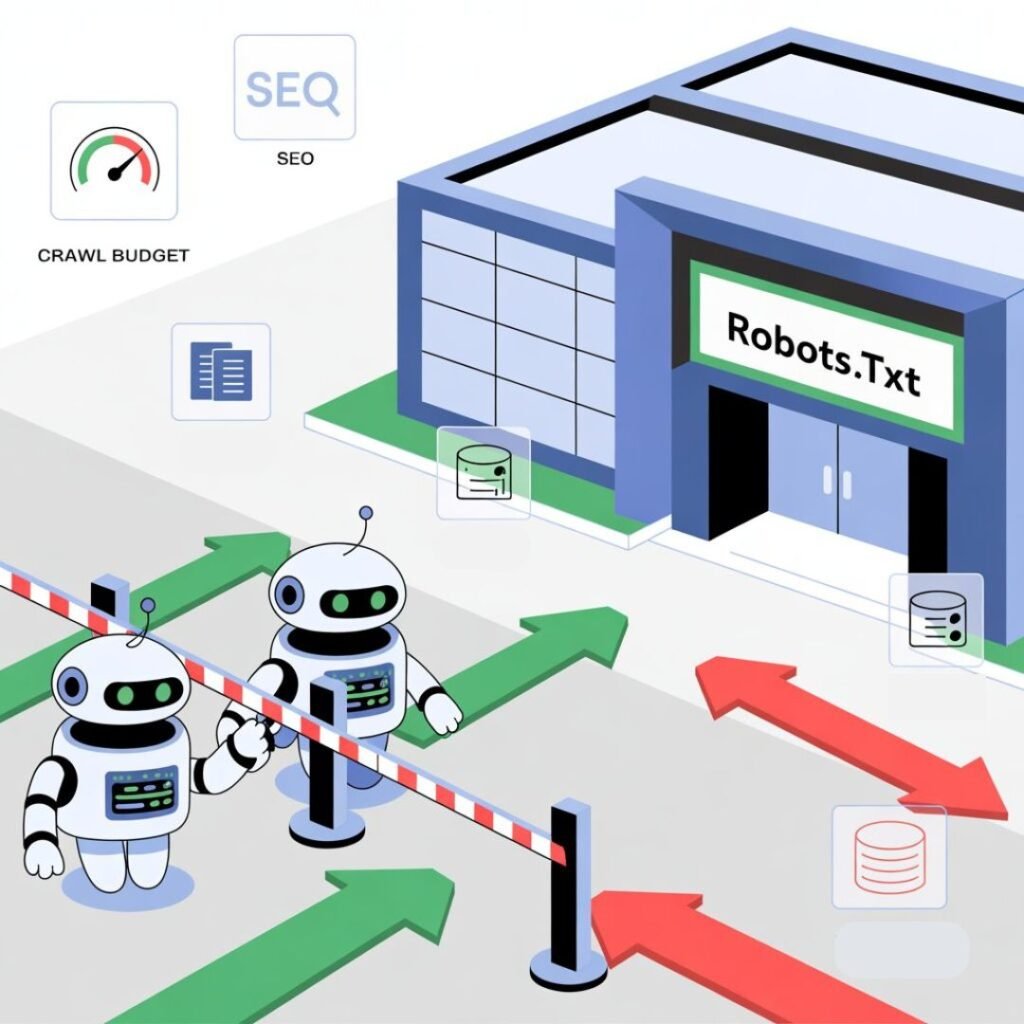
Once you understand what is robots.txt, you gain crucial control over:
- Crawl paths
- Duplicate pages
- Staging/testing areas (important for digital marketing teams)
- Private URLs
- Crawl budget management
Before any crawler enters your website, it checks robots.txt first.
This makes it the first step in SEO and a foundational skill in digital marketing.
Use it correctly and you’ll get better indexing and higher visibility. Use it poorly and your important pages may never rank.
How to Configure Robots.txt for SEO
Now that you understand what is robots.txt, here’s how to configure it properly — especially if you’re learning digital marketing:
- Don’t block important pages
A wrong “Disallow” can destroy rankings.
- Allow CSS, JS, images
Google needs them to render your site correctly.
- Add your sitemap
This is one of the most recommended digital marketing practices for faster indexing.
- Keep rules simple
Clean instructions leads to better crawling.
- Never use “noindex” in robots.txt
Use meta robots tags for that.
- Test before publishing
Google Search Console’s robots.txt Tester should become a habit for anyone in digital marketing.
Example of a Clean robots.txt File
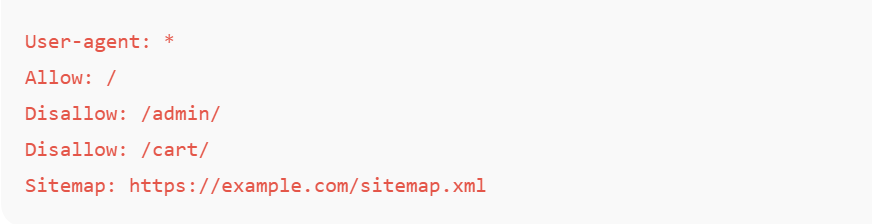
This is the kind of structure digital marketers use when optimizing a website for safe, clean crawling.
Conclusion
Now you finally know what is robots.txt and why this tiny file has a massive impact on your SEO.
It decides what Google can see, and what stays hidden.
In simple words:
- You control the crawl
- You control the index
- You control the visibility
And when you configure robots.txt correctly, your website becomes easier for search engines to understand — which means faster indexing, cleaner crawling, and higher rankings.
If you want to learn digital marketing the smart way — including SEO, robots.txt, sitemap optimization, crawling strategies, and technical fundamentals — DSOM Dehradun teaches everything step-by-step with real-world examples just like this.